

Contact us For product pricing, customization, or other inquiries:
Contact Us
Explore More Products
- Product Details
- {{item.text}}
Quick Details
-
Optical Resolution:
-
4 mil(minimum)
-
Scan Speed:
-
4meters/second
-
Brand Name:
-
mindeo
-
Place of Origin:
-
Liaoning, China
-
Application:
-
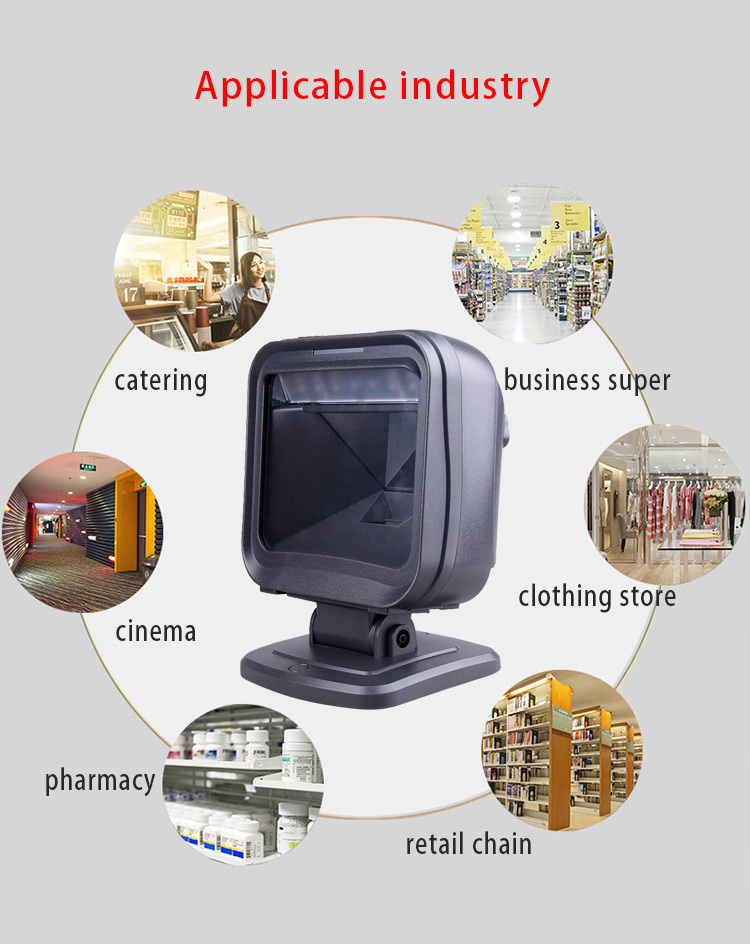
Logistics Industry,hospital,warehouse
-
Interface:
-
USB(Drive-Free), RS232, USB-COM
-
Motion tolerance:
-
3.8meters/second
-
Color:
-
Black
-
Dimensions (W x D x H):
-
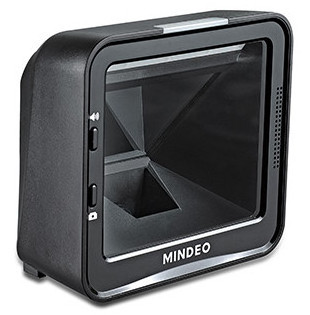
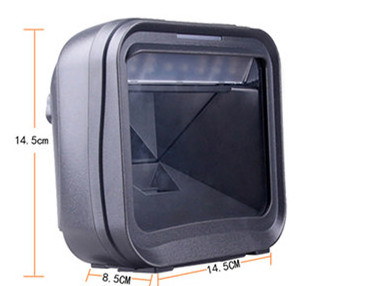
150mm*97mm*148mm
-
Scan Mode:
-
Continuous Scanning
-
Scan Angle:
-
Turn ±360°, Elevation ±60°, Declination ±70°
-
Weight:
-
540g
-
Feature:
-
Excellent Decoding
-
Cable:
-
1.8m
Quick Details
-
Type:
-
Barcode Scanner
-
Scan Element Type:
-
CMOS
-
Max Paper Size:
-
other
-
Optical Resolution:
-
4 mil(minimum)
-
Scan Speed:
-
4meters/second
-
Brand Name:
-
mindeo
-
Place of Origin:
-
Liaoning, China
-
Application:
-
Logistics Industry,hospital,warehouse
-
Interface:
-
USB(Drive-Free), RS232, USB-COM
-
Motion tolerance:
-
3.8meters/second
-
Color:
-
Black
-
Dimensions (W x D x H):
-
150mm*97mm*148mm
-
Scan Mode:
-
Continuous Scanning
-
Scan Angle:
-
Turn ±360°, Elevation ±60°, Declination ±70°
-
Weight:
-
540g
-
Feature:
-
Excellent Decoding
-
Cable:
-
1.8m
Product Specifications
|
item
|
MINDEO MP8600+
|
|
Certification
|
ce
|
|
Products Status
|
Stock
|
|
Type
|
Barcode Scanner
|
|
Scan Element Type
|
CMOS
|
|
Colour Depth
|
32 Bit
|
|
Interface Type
|
usb, RS232,keyboard wedge
|
|
Max Paper Size
|
other
|
|
Optical Resolution
|
1D(CODE39):4mil
|
|
Scanning type
|
Image scanning
|
|
Brand Name
|
MINDEO
|
|
Place of Origin
|
China
|
|
Color
|
Black
|
|
Weight
|
545g without cable and stand
810g without cable but with stand |
|
Decode Capability
|
Reads standard 1D,
|
|
Humidity
|
5% to 95% relative humidity, non-condensing
|
|
Scan Angle
|
±60°,±40°,360°(Left and right, front and back, rotation)
|
|
Input voltage
|
5±0.25V
|
|
Current
|
1000mA when scanning
|
|
Sealing grade
|
IP52
|
|
Impact resistance
|
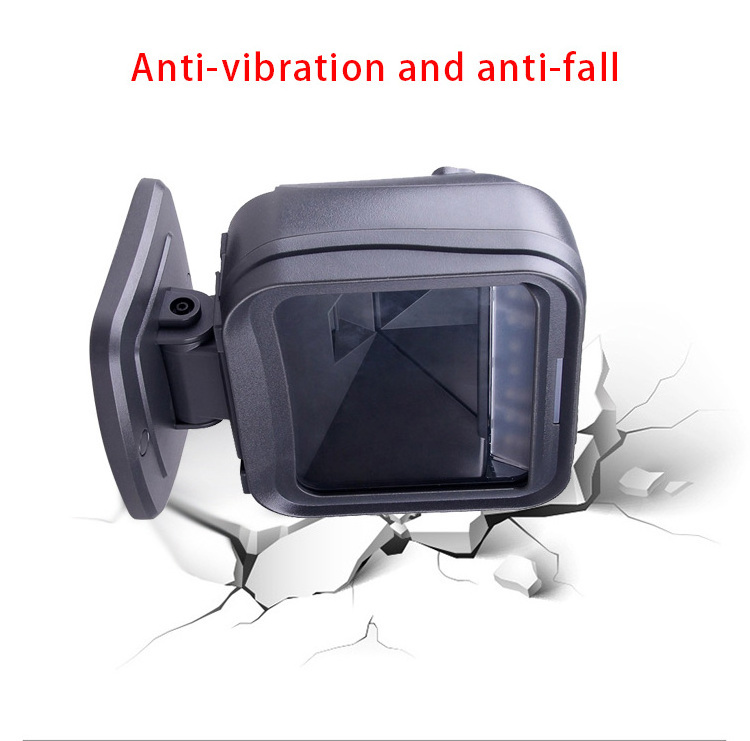
withstanding the impact of many times falling to the concrete floor from a height of 1.5 meters
|
FAQ
Q1:Why doesn't the scanner work?
A1: It is possible that the scanner is not powered and check the device power.
Q2:The scanner scans normally, but why is the data output from the cradle incorrect?
A1:The cable interface may be loose. It is recommended to reconnect.
A2:The keyboard input method of the device may be incorrect. Please correct the setting to allow English letters to be input.
A3:Please check if the wireless communication settings are correct.
Q3:Why is the scanner unable to decode some barcodes?
A1:The barcode may be defective. Try to scan the same type of test barcode to see if it can be interpreted.
A2:It is possible that the distance between the scanner and the barcode is not suitable. Please adjust the distance.
A3:For printing barcodes of relatively poor quality, a suitable reading distance is 5-10 cm.
Q4:If it is impossible to decode in other cases?
A1:Turn off the device power; properly connect the device and scanner; turn on the device and test it.
A2:If the problem still cannot be solved, please feel free to contact us!
Contact Us
Hot Searches