

Contact us For product pricing, customization, or other inquiries:
Contact Us
Explore More Products
- Product Details
- {{item.text}}
Quick Details
-
DPI:
-
≤ 800, 1200, 1600, 2400, 4800
-
Style:
-
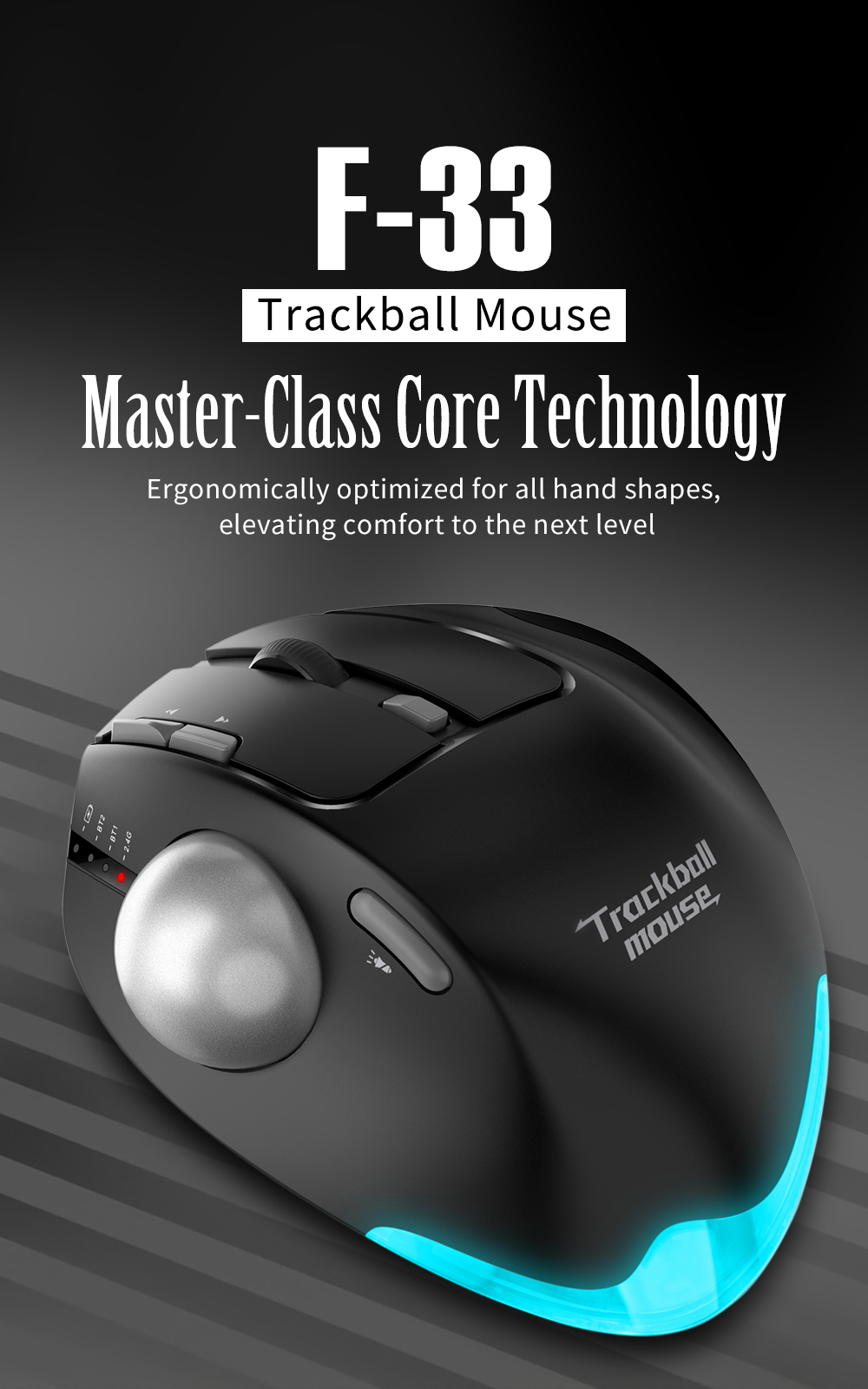
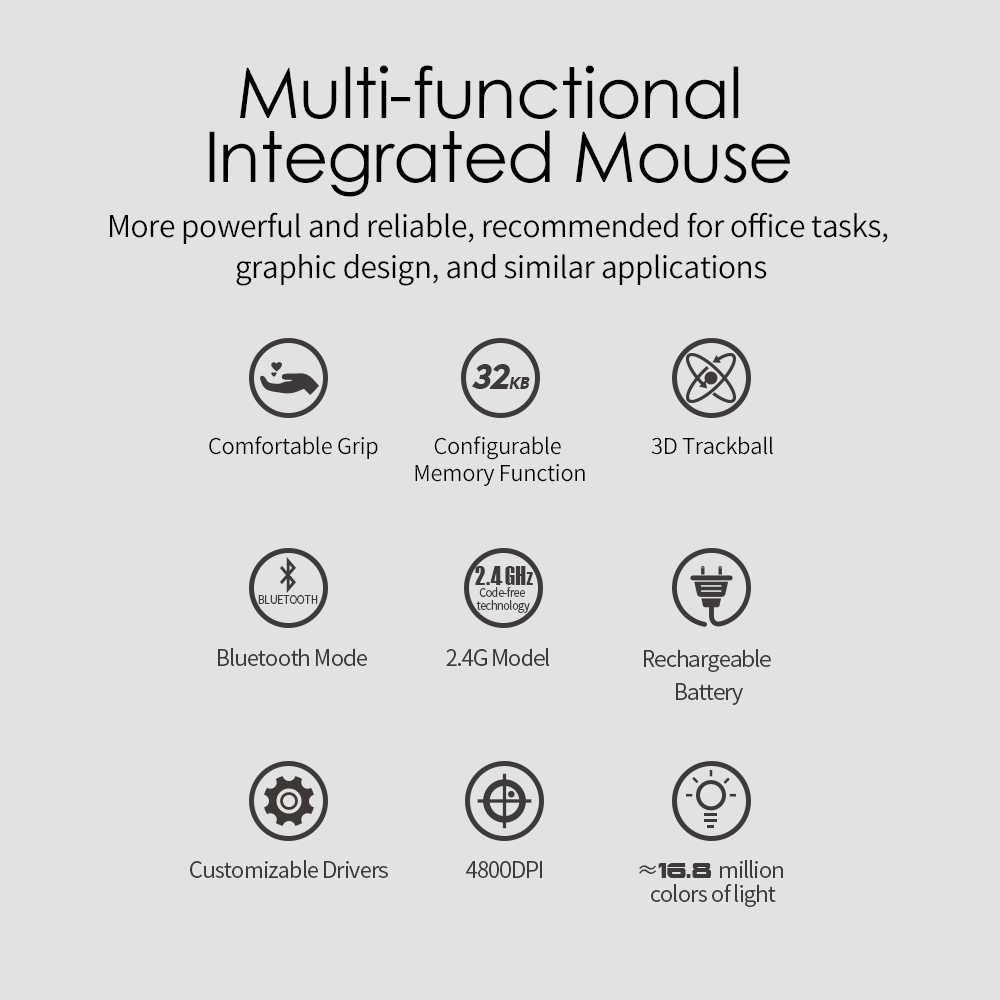
3D, Gaming, Programmable, Ergonomics
-
Place of Origin:
-
Guangdong, China
-
Brand Name:
-
ZELOTES
-
Model Number:
-
F-36
-
Mouse Type:
-
2.4G / 2.4G+Bluetooth4.0+Bluetooth5.0
-
Product Name:
-
trackball mouse
-
Angle:
-
Adjustable Angle
-
Wired wireless:
-
Wireless
-
Effect:
-
Low Latency
Quick Details
-
Type:
-
2.4Ghz Wireless
-
Interface Type:
-
usb
-
Number of Buttons:
-
8
-
DPI:
-
≤ 800, 1200, 1600, 2400, 4800
-
Style:
-
3D, Gaming, Programmable, Ergonomics
-
Place of Origin:
-
Guangdong, China
-
Brand Name:
-
ZELOTES
-
Model Number:
-
F-36
-
Mouse Type:
-
2.4G / 2.4G+Bluetooth4.0+Bluetooth5.0
-
Product Name:
-
trackball mouse
-
Angle:
-
Adjustable Angle
-
Wired wireless:
-
Wireless
-
Effect:
-
Low Latency
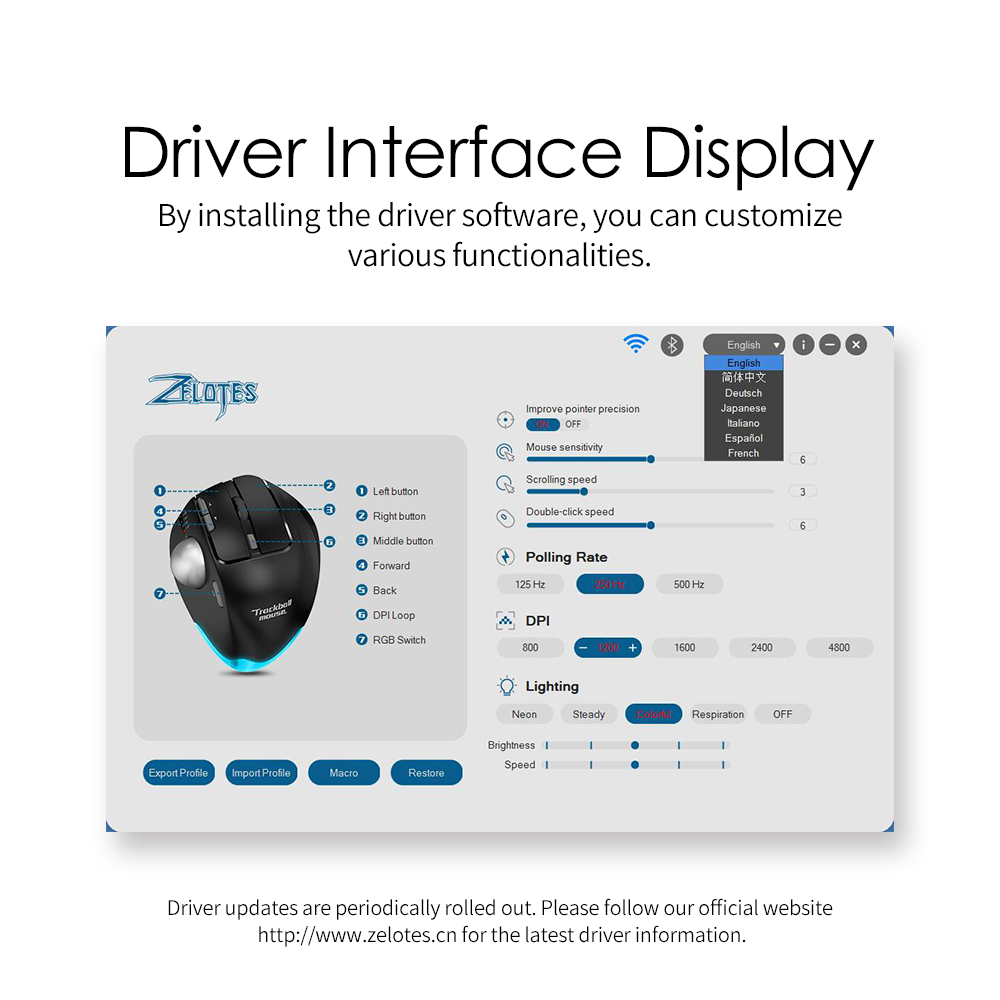
Notes on the functions of components
* ①Left button ②Right button ③Middle button
④Forward button ⑤Backward button ⑥DPI cycle
⑦Switching the lighting mode ⑧BT key
⑨Low pressure and DPI indicator light ⑩Indicator light for charging
⑪Power on/off ⑫Receptor ⑬Indicator light for 2.4GHz
⑭Indicator light for BT 1 ⑮Indicator light for BT 2
Specifications
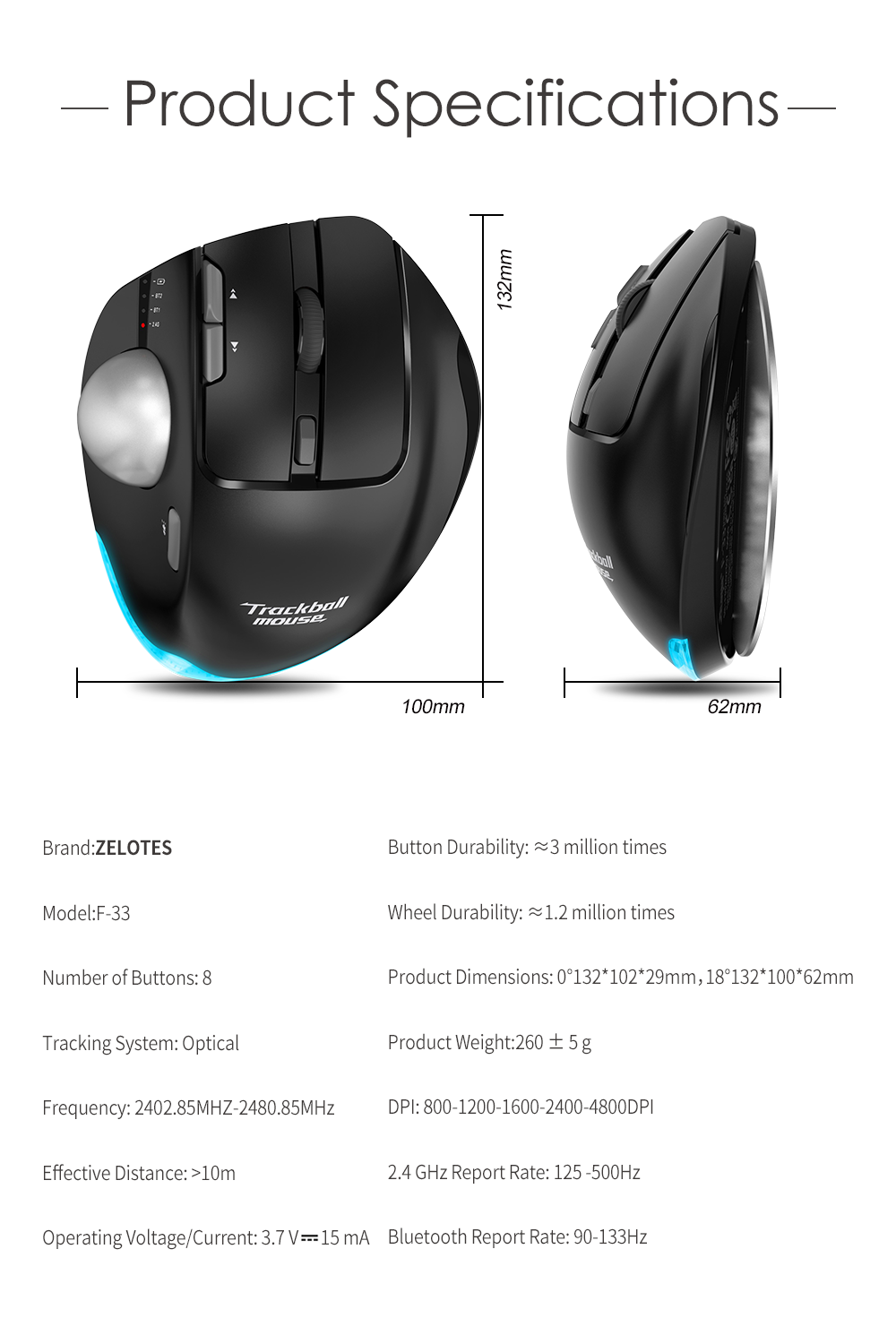
Number of Buttons: 8
Tracking System: Optical
Frequency: 2402.85MHZ-2480.85MHz
Effective Distance: >10m
Operating Voltage/Current: 3.7 V10 mA
Button Durability: 3 million times
Wheel Durability: 1.2 million times
Product Dimensions: 124*70*67mm
Product Weight:105 ± 5 g
DPI: 800-1200-1600-2000-2400DPI
2.4 GHz Report Rate: 125 -500Hz
BT Report Rate: 90-115-133Hz
【BT MODE】
A.
Pair Your First Device.
1. Turn on the power switch.
2. Press and hold the Bluetooth button for 3 seconds or more. The blue light flashes rapidly, and the mouse will enter
Discoverable mode for 2 minutes.
3. Compete BT pairing on your device:
Windows 7 and 8:
(1) Click Start, then select Control Panel > Add Devices.
(2) Select BT 3.0 Mouse or BT 5.0 Mouse in the list, then click Next.Windows 10:
(1) Click Start, then select Settings > Device > BT.
(2) Select BT 3.0 Mouse or BT 5.0 Mouse in the list, then click Pair.
1. Pair Your Second Device.
2. Press and hold the Bluetooth button for 3 seconds or more. The blue light flashes rapidly, and the mouse will enter
Discoverable mode for 2 minutes.
3. Compete BT pairing on your device:
Windows 7 and 8:
(1) Click Start, then select Control Panel > Add Devices.
(2) Select BT 3.0 Mouse or BT 5.0 Mouse in the list, then click Next.Windows 10:
(1) Click Start, then select Settings > Device > BT.
(2) Select BT 3.0 Mouse or BT 5.0 Mouse in the list, then click Pair.
1. Pair Your Second Device.
1. Short press the BT button to switch channel.
2. Follow Steps 2 and 3 in “Pair Your First Device” to complete pairing.
3. Switch between devices.
Short press the BT button to switch between up to 3 paired devices (Up to 2 devices via BT and 1 device via the 2.4 GHz
receiver).
Hints on charging:
During charging, the blue LOGO light on the front end goes on; when the battery is fully charged, the blue light goes off.
Hints on low battery:
When the mouse is on low battery and is being used, the blue light at the scroll sparkles rapidly every other second.
Hints on DPI:
Press Button 6, the blue light at the scroll sparkles, sparkling once for DPI Level 1, twice for DPI Level 2, and so on in a
similar fashion.
2. Follow Steps 2 and 3 in “Pair Your First Device” to complete pairing.
3. Switch between devices.
Short press the BT button to switch between up to 3 paired devices (Up to 2 devices via BT and 1 device via the 2.4 GHz
receiver).
Hints on charging:
During charging, the blue LOGO light on the front end goes on; when the battery is fully charged, the blue light goes off.
Hints on low battery:
When the mouse is on low battery and is being used, the blue light at the scroll sparkles rapidly every other second.
Hints on DPI:
Press Button 6, the blue light at the scroll sparkles, sparkling once for DPI Level 1, twice for DPI Level 2, and so on in a
similar fashion.
package
|
|
|
|
|
|
|
|
|
|
|
|
|
|
|
|
|
|
|
|
|
|
|
|
Hot Searches